Overview
Your job search pipeline now has a full kanban board view. Drag applications between stages, Saved, Applied, Phone Screen, Interview, Offer, Rejected, and get a bird's-eye view of where everything stands at any moment.
Your job search pipeline now has a full kanban board view. Drag applications between stages, Saved, Applied, Phone Screen, Interview, Offer, Rejected, and get a birds-eye view of where everything stands.
Rolvelio Team
Engineering · February 28, 2026
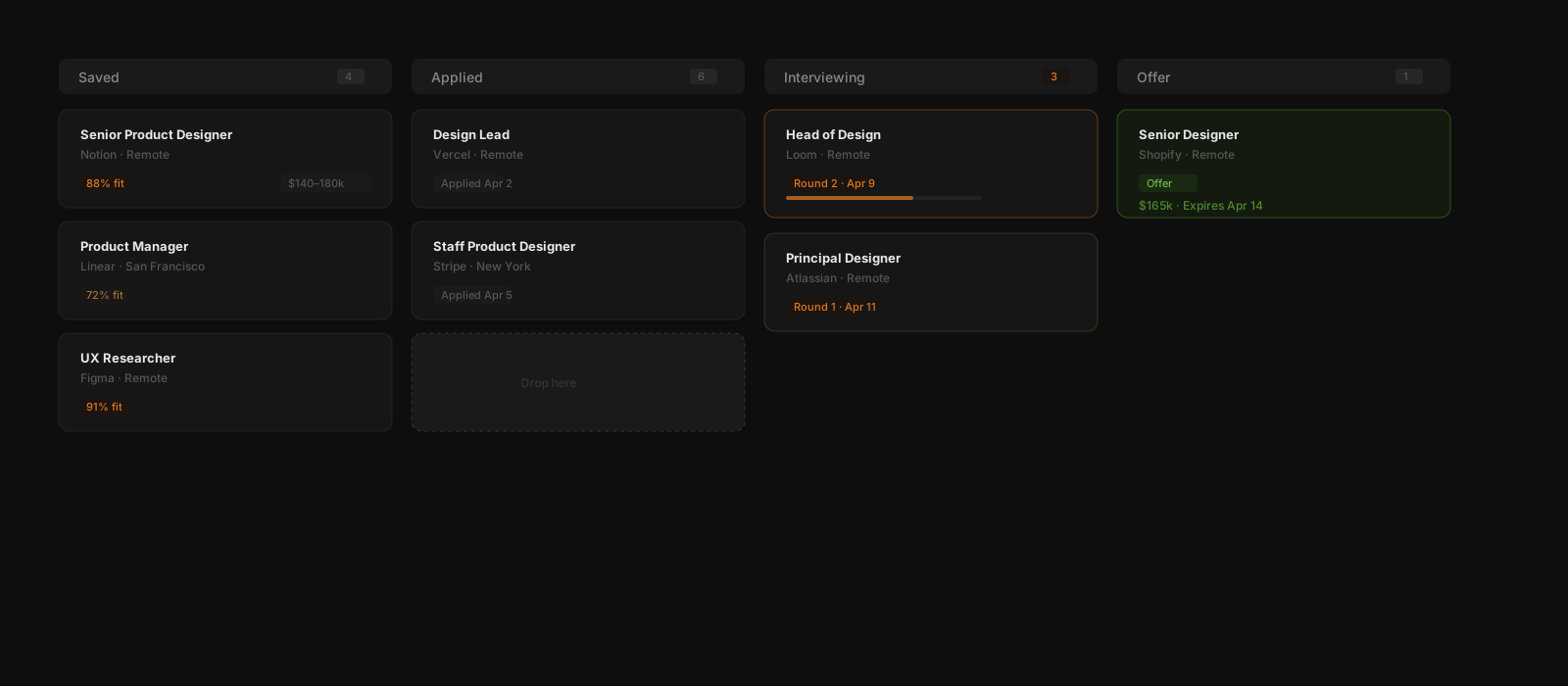
Your job search pipeline now has a full kanban board view. Drag applications between stages, Saved, Applied, Phone Screen, Interview, Offer, Rejected, and get a bird's-eye view of where everything stands at any moment.
Click any card to open a quick-edit drawer, update the status, add notes, set a follow-up date, or attach a document without leaving the board. Every change is logged automatically to the application timeline.
On this page